Effective & Ineffective Email Practices
Show Respect for Time
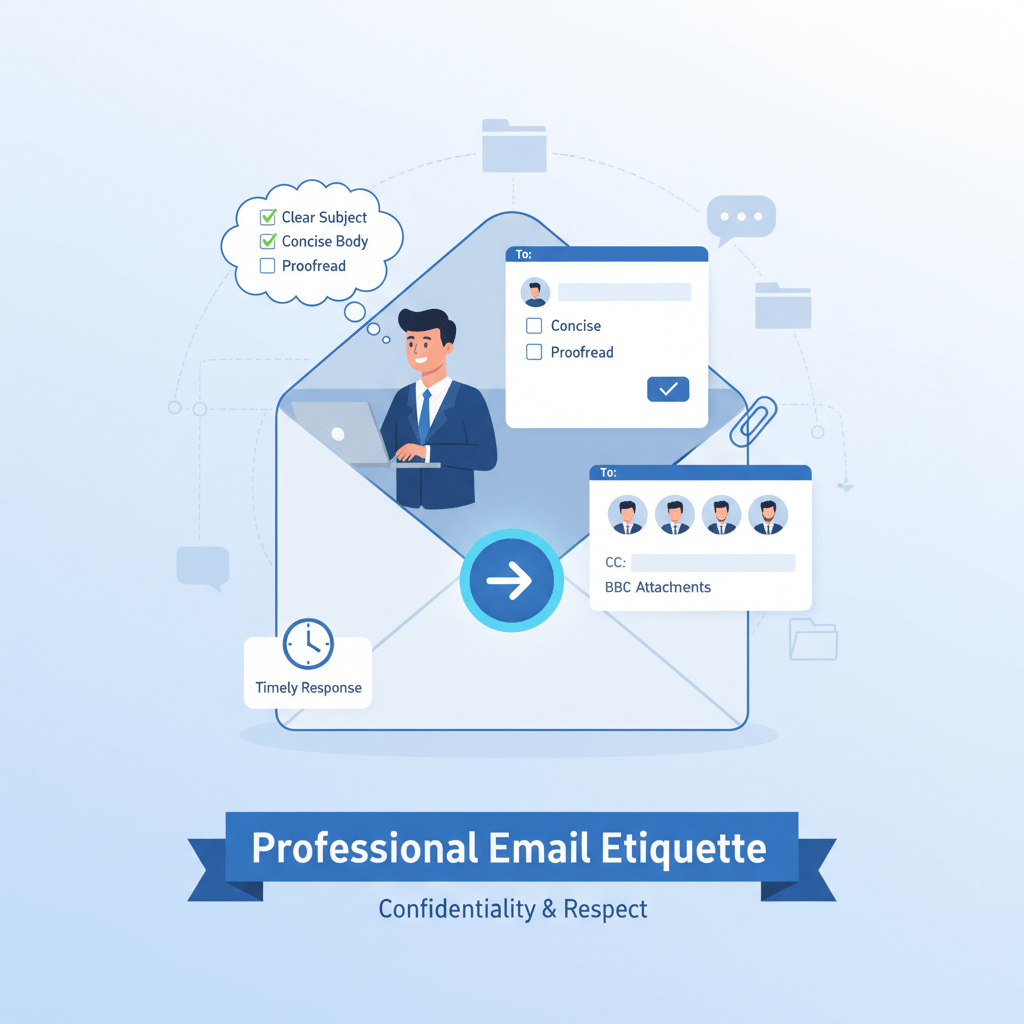
Email communication should be convenient, however sometimes people can abuse this power. For example, sending and receiving hundreds of emails each week can cause information overload and email fatigue. Whenever you write an email you want to envision the person on the receiving end. Imagine their busy schedules and hundreds of emails they already have to sort through, most likely they won’t have the time or tolerance for sloppy, unclear emails. Therefore, to show your respect towards your colleagues and clients you need to keep your emails professional, relevant, concise, and easy to read.
A perfect example of this is when someone sent an email to me that was easy to read and straight to the point. It was for a project between colleagues. The email had three short paragraphs. The first one was stating that they hope I am doing well and that they wanted to provide a quick update about the project timeline. The second paragraph stated that the research phase of the project is done and they are now moving onto the design stage. They also mentioned that the first draft needs to be ready by Thursday afternoon. The third paragraph said to let them know when we can meet up to discuss the progress or to make any adjustments as needed. I think this was a great example of effective email practices since it was clear, concise, and straight to the point. It was a professional and actionable email since it told me exactly what needed to be done and by what day.
Protect Privacy and Confidentiality
You must be cautious about every email you send in order to avoid spreading sensitive or confidential information. Emails are very convenient to send resulting in mistakes to happen frequently, such as sending job offers to the wrong person or accidentally revealing confidential salary information to the entire company. To avoid this just simply double-check that you have the correct people in the address line before hitting send on that email. Even though it only takes a few extra moments it is a habit you should start incorporating into your daily life.
An example of this is when I had a question about my payroll with my boss. He emailed me back and the email stated that it was confidential and contained sensitive information. I was the only person that got sent the email, which proved that he double checked everything first to make sure it didn’t get accidentally sent to one of my colleagues instead. This was an effective email and shows he took the few extra moments to make sure my privacy was protected.
Use Email for the Right Purposes
Going back to how emails are convenient, you want to consider if it is the best communication channel for your work purposes. When sending emails they lack all verbal and nonverbal cues that are associated with face-to-face communication. This means that emails are well suited for communication channels such as routine, task-oriented, fact-based, and nonsensitive messages. It is not appropriate to use emails as a way of communicating anything sensitive, emotional, or anything involving joint decisions since it lacks immediate feedback.
An example regarding this is about a weekly team meeting I was sent. I started off by saying they hope everyone is doing well and that they are just sending a quick reminder about our weekly team meeting that is scheduled for Wednesday 10 AM. This email also included the topics of what we would be discussing at the meeting. They also assigned a task for everyone to review our current progress and to be prepared to provide a brief update. They ended their email asking that if we had any additional topics we wanted to discuss to let them know so it can be added to the agenda. This proved to be an effective email since their communication channel stuck to routine, was task-oriented, provided clear information and expectations, and avoided sensitive or emotional topics.
Vague/Missing Subject Lines
When skimming through your emails, the subject line is one of the first places you look. This will determine whether an email gets opened promptly or overlooked with responses delayed. If you don’t have a specific subject line, it could easily be overlooked or deemed unimportant and not come across as a priority and set on the back burner. This could cause many issues, especially if it is an urgent matter that has a deadline and it easily is forgotten due to the lack of a specific, straight-forward subject line. Your subject line should be concise and specific. When someone reads it they should know exactly what the email is going to be about before even opening it.
An example of this is is when a colleague sent me an email with the subject line saying “Question.” This is an example of an ineffective email because the subject line was very vague. I had no idea what the email would entail. This is an email that could have easily been missed because “Question” is vague and doesn’t scream any sort of importance. Unfortunately my response was delayed when responding because it got lost in all my other emails at first due to the vague subject line causing it to blend in with my spam emails.
Ineffective Structure & Length
If you send long, rambling emails that have no clear, actionable point will force the recipient to read it multiple times in order to understand the message at hand. This will come across poorly if the recipient is having trouble understanding the emails intent. This can cause frustration and annoyance because it is taking away from their time. It can also look unprofessional and leave a bad impression. You want your messages to be clear, specific, and professional so it leaves a lasting impression on the recipient and they feel more inclined to working with you.
A perfect example of this is from the same example from above. The subject line only stated “Question,” but when I finally opened it it had a bunch of rambling and didn’t accomplish anything. They stated they wanted to reach out because they had a few things to talk about, but they weren’t sure when a good time would be so they thought they should send an email to “see what happens.” They said they had a couple topics to mentioned related to the project and that something was coming up soon that would need attention but they are still “figuring out the details.” This email didn’t answer anything. They didn’t mention any of the topics or questions they had, only stated that they had some. This was an ineffective email because it had no actionable steps and only raised more questions instead of solutions, which initially got us nowhere.
Poor Tone and Emotion
Sending emails while angry, using sarcastic language, or failing to proofread can damage relationships. Always avoid using all caps in emails since this is interpreted as shouting and can cause miscommunication. You should not use emails to manage sensitive or negative feedback, but rather face-to-face communication instead.
An example regarding this is from a colleague on a group project. He let his emotions seep into his email, which hurt peoples feelings causing damage to the relationships with his peers. He used all caps stating ” I CAN’T BELIEVE THIS PROJECT IS STILL NOT DONE,” and said the project should be finished by now but that was apparently “too much to expect.” There was a lot of sarcastic undertones and anyone reading that email could see how unprofessional it was and that it should have been communicated face-to-face than over an email. There was a lot of miscommunication afterwards with our colleagues, especially since the deadline was still far out. Overall, this email was ineffective due to the poor tone and emotion that was displayed.
____________________
Sources
Reader | McGraw Hill. (n.d.-b). https://prod.reader-ui.prod.mheducation.com/epub/sn_84f28/data-uuid-1383950fb3ea43ef9dcbf656bceaed8d
 The Reading Habit
Leave a comment